

Keyword research decides whether your content meets real demand or quietly disappears. The good news is that Singapore businesses have more tools than ever, from free options built by Google to powerful paid suites. The trap is collecting lists without a method. This guide compares the main tools, explains where each fits and shows a repeatable process for turning search data into pages that attract customers.
A keyword tool gives you numbers. Your job is to turn those numbers into decisions about what customers want, what you can credibly offer and what you can realistically rank for.
What a keyword research tool actually tells you
Most tools estimate how many people search for a phrase each month, how competitive it is and which related queries exist. Some add information about search intent, cost per click, seasonality and the pages currently ranking. Treat the figures as directional rather than exact, because every tool uses its own data sources and models. In a market as compact as Singapore, volumes for niche services can look tiny but still be valuable, since a handful of ready-to-buy searches may matter more than thousands of casual ones. Look for patterns and relative demand, not perfect precision.
Start with free Google sources
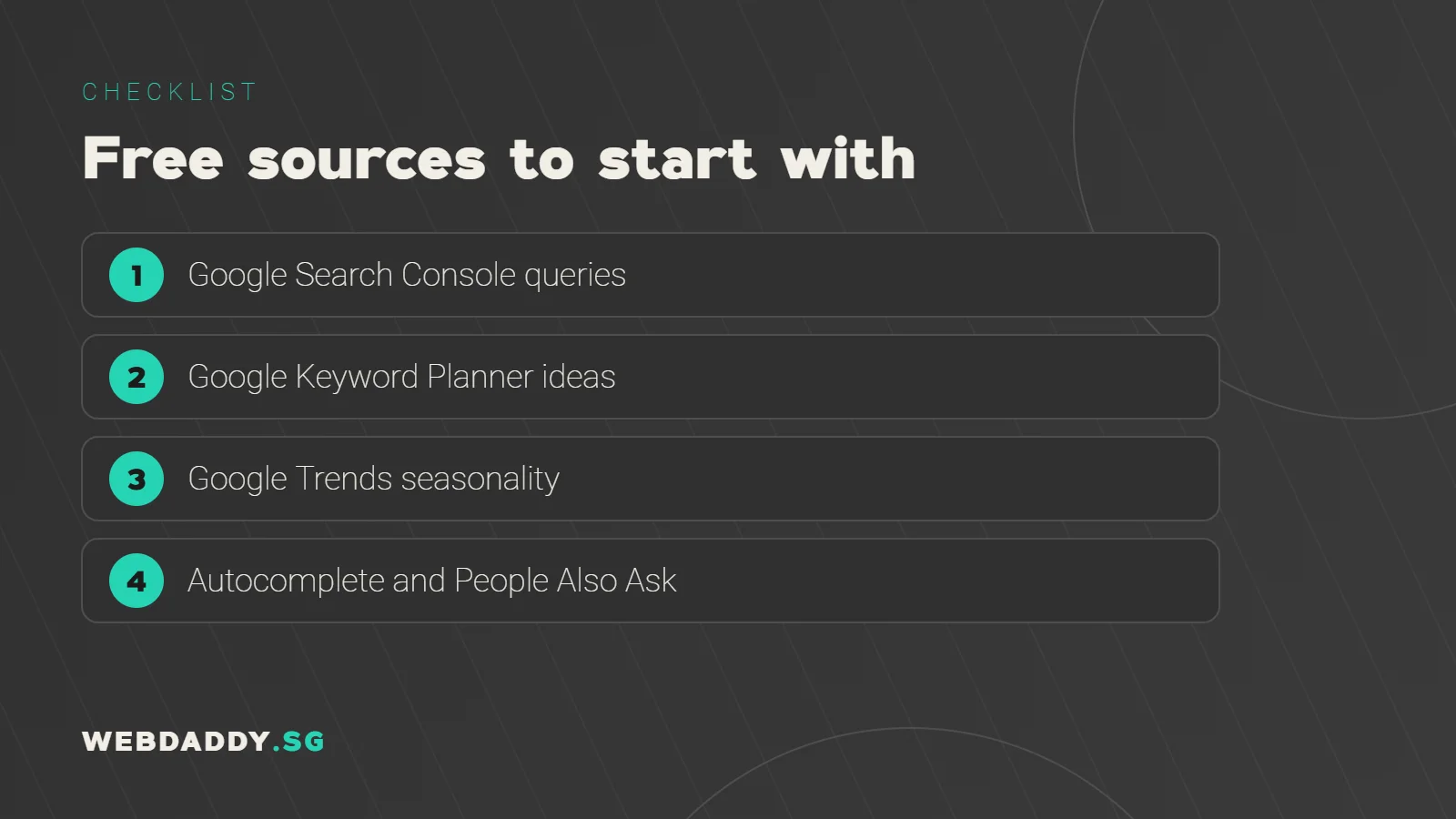
Before paying for anything, use what Google gives you. Google Search Console shows the real queries that already bring impressions and clicks to your site, which is the best starting point for existing businesses. Google Keyword Planner, available through a Google Ads account, offers ideas and volume ranges. Google Trends reveals seasonal patterns and relative interest over time, and autocomplete and People Also Ask boxes show how real people phrase questions. These sources are free and grounded in genuine behaviour, so build your first list from them and then extend it with other tools.
Free and low-cost tools worth trying
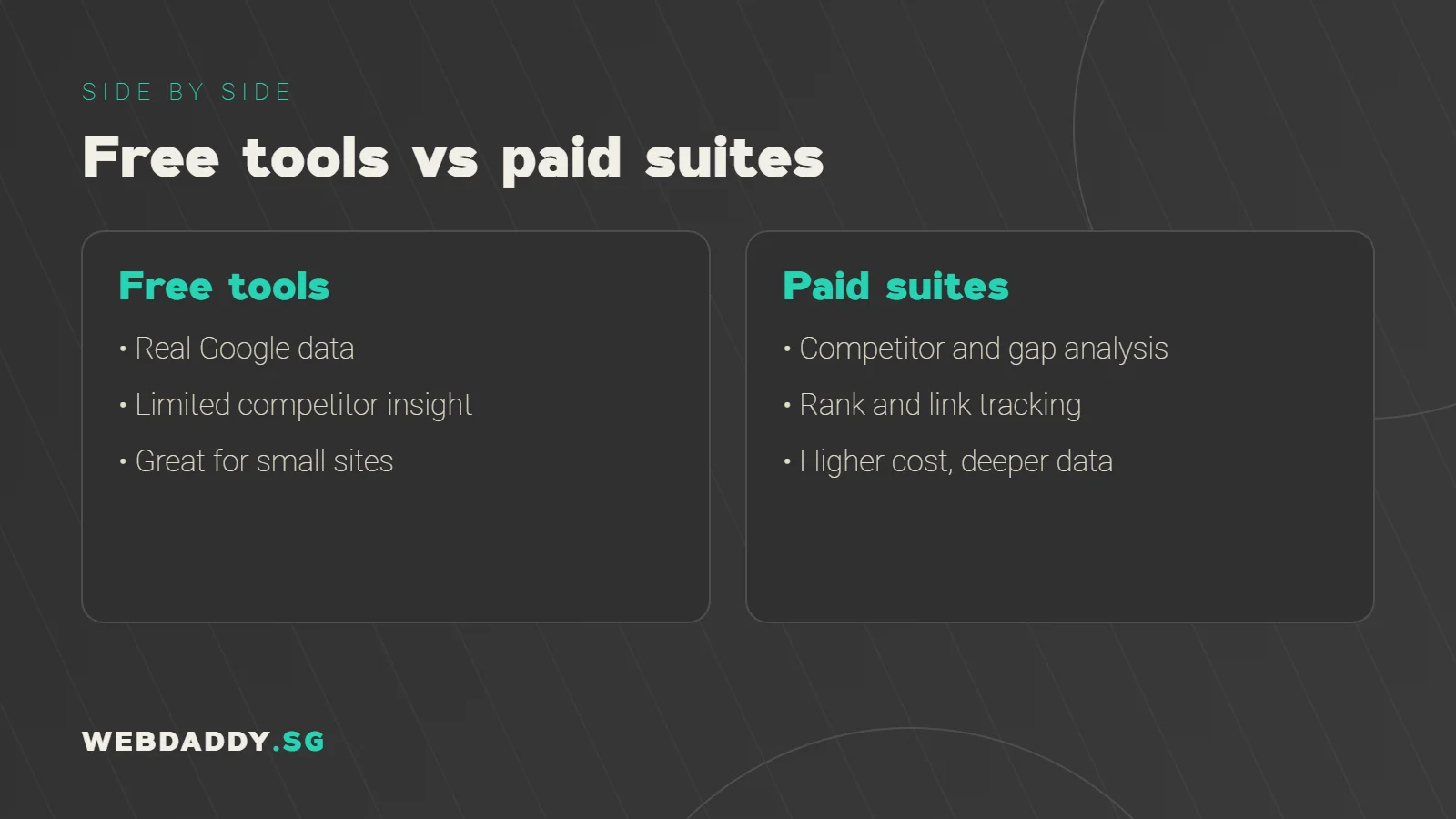
Several lighter tools help fill the gaps. Question-focused tools can surface the "how" and "what" queries that suit blog content, while browser extensions can display estimated volumes beside search results. Some SEO platforms offer limited free tiers with daily query caps, which is enough for a small site that publishes a few pages each month. The trade-off is usually depth: fewer data points, fewer countries and less detail on competitors. Test a couple, compare what they say about the same ten keywords, and keep the ones that save you time.
Paid all-in-one SEO suites
Platforms such as Ahrefs and Semrush combine keyword data with rank tracking, backlink analysis, site audits and competitor research. They are useful for agencies and businesses that publish regularly, because you can see which keywords competitors rank for, find gaps and monitor progress in one place. They also provide difficulty scores and clustering tools that speed up planning. Costs are higher and features change often, so check current plans and whether Singapore data is available at the level you need. A free trial or a single month is a sensible way to judge value.
How to compare tools fairly
Choose five to ten keywords relevant to your business and run them through each tool. Compare the estimated volumes, the difficulty ratings, the suggested related terms and the quality of the Singapore data. Notice how easy it is to export lists, group keywords and track changes over time. Consider who will use the tool and how often, since a powerful platform no one opens is wasted money. Finally, check support and learning resources. The best tool is the one your team will use consistently to make better content decisions.
Understand search intent before volume
A keyword with big volume is useless if it attracts the wrong audience. Classify each phrase by intent: informational searches want answers, commercial searches compare options, transactional searches are ready to buy and navigational searches seek a specific brand. A phrase like "website design Singapore price" signals buying interest, while "what is a website" signals learning. Match each keyword to the page type that fits, such as a guide, comparison or service page. Looking at the current top results quickly confirms what Google believes searchers want.
Add the Singapore angle
Local context changes keyword choices. Add location modifiers like Singapore, district names or MRT areas where relevant, and consider how people phrase services locally, including British spelling and common local terms. Check whether the results are dominated by global brands or local businesses, since that affects your chances. Look at Google Maps results for service queries, because the map pack may matter more than organic listings. Where you serve several areas, build helpful location pages instead of copying the same text with different place names.
Judge difficulty realistically
Difficulty scores are rough guides, but they help you avoid fighting battles you cannot win yet. A newer site usually does better targeting specific, lower-competition phrases and building authority gradually. Review the actual search results: are they strong pages from established brands, or thin content you can beat with a better answer? Check whether the ranking pages match your intended format. Mix quick-win keywords with a few ambitious ones, and revisit your targets every quarter as your site gains authority.
Group keywords into topics
Modern search rewards pages that cover a topic thoroughly, not pages that repeat one phrase. Group related keywords into clusters and assign each cluster to a single page. Create a pillar page for the broad subject and supporting articles for the specific questions, linking them together. This prevents several of your own pages from competing for the same query and builds topical authority. A simple spreadsheet with columns for keyword, volume, intent, difficulty, target page and status is enough to manage the whole plan.
Turn research into a content plan
Prioritise keywords by business value, search demand and ease of ranking. Decide the format of each page, the main question it answers and the action you want visitors to take. Schedule publishing at a pace you can sustain, mixing service pages, comparison pages and educational articles. Write briefs that list the target keyword, related terms, questions to answer and internal links to include. A clear plan stops you from chasing every idea and keeps your team focused on the pages that matter.
Track results and refresh your list
After publishing, monitor impressions, clicks, average position and conversions in Search Console and analytics. Notice which pages gain traction, and look for queries you did not target that bring traffic, since they reveal new opportunities. Update underperforming pages by improving the content, headings and internal links before creating new ones. Review your keyword list quarterly, remove outdated terms and add emerging questions. Keyword research is a cycle, not a one-time task, and the businesses that revisit it regularly tend to stay ahead.
Common keyword research mistakes
Avoid chasing volume alone, copying competitor lists without checking intent, targeting too many unrelated phrases on one page and ignoring cannibalisation between your own pages. Do not forget to check the quality of the data by sampling real search results. Avoid stuffing keywords unnaturally into copy; write for people first. And do not wait for perfect data before publishing. A good page based on real customer language usually beats a perfect plan that never leaves the spreadsheet.
A simple five-step process you can start today
First, list your services and the problems they solve. Second, gather queries from Search Console, Keyword Planner, autocomplete and customer conversations. Third, add intent, volume and difficulty in a spreadsheet. Fourth, group the terms into topics and map each to a page. Fifth, publish, measure and refine. Following these steps with a free toolset is often enough to start growing organic traffic, and you can upgrade to paid tools when your needs become more complex.
Let Webdaddy build your keyword strategy
If you would rather have experts do the heavy lifting, Webdaddy's team researches the keywords your Singapore customers actually use and turns them into a practical content and SEO plan. Learn more about our SEO services and digital marketing. Message us on WhatsApp at +65 8083 8785, email support@webdaddy.sg, or book a free consultation and we will map your best keyword opportunities with you.
Call +65 8083 8785Email support@webdaddy.sg
Frequently asked questions
Which keyword research tool is best for beginners?
Start with Google Search Console, Keyword Planner, Google Trends and autocomplete. They are free and based on real search behaviour.
Are keyword volume numbers accurate?
They are estimates and differ between tools. Use them to compare relative demand rather than to predict exact traffic.
How many keywords should I target per page?
Aim for one primary topic with a small set of closely related terms. Avoid forcing unrelated phrases onto one page.
Can Webdaddy do keyword research for my business?
Yes. We analyse your market, customers and competitors and deliver a prioritised keyword and content plan.