
Most Singapore businesses do not lose rankings because of some mysterious algorithm. They lose them because a page was published with a vague title, thin content and no clear purpose. On-page SEO is the part of search optimisation you fully control, and it is also the cheapest to fix. Use this checklist before every page goes live and your site will be ahead of competitors who treat SEO as an afterthought.
On-page SEO is not a trick to fool Google. It is the discipline of making a page obviously useful to a real person and easy for a search engine to understand.
What on-page SEO covers
On-page SEO means everything you can change on the page itself: the title, URL, headings, copy, images, links and structured data, along with the technical experience around them such as speed and mobile layout. It sits alongside off-page SEO, which is mostly about links and mentions from other sites, and technical SEO, which covers crawling and indexing. In practice the three overlap, but on-page work is where most small businesses see the quickest improvement because every change is under your control. Think of this checklist as a quality gate that each new page must pass before you press publish.
1. Match the search intent first
Before you write a word, search your target phrase in Google Singapore and study the results. Are people shown guides, product pages, service pages or comparisons? That is the intent Google believes users want. If the top results are how-to articles and you publish a sales page, you will struggle however well you optimise. Write down the single question your page answers and the action a reader should take next. Pages with a clear purpose are easier to rank, easier to read and much easier to convert into enquiries.
2. Get title tags, URLs and H1s right
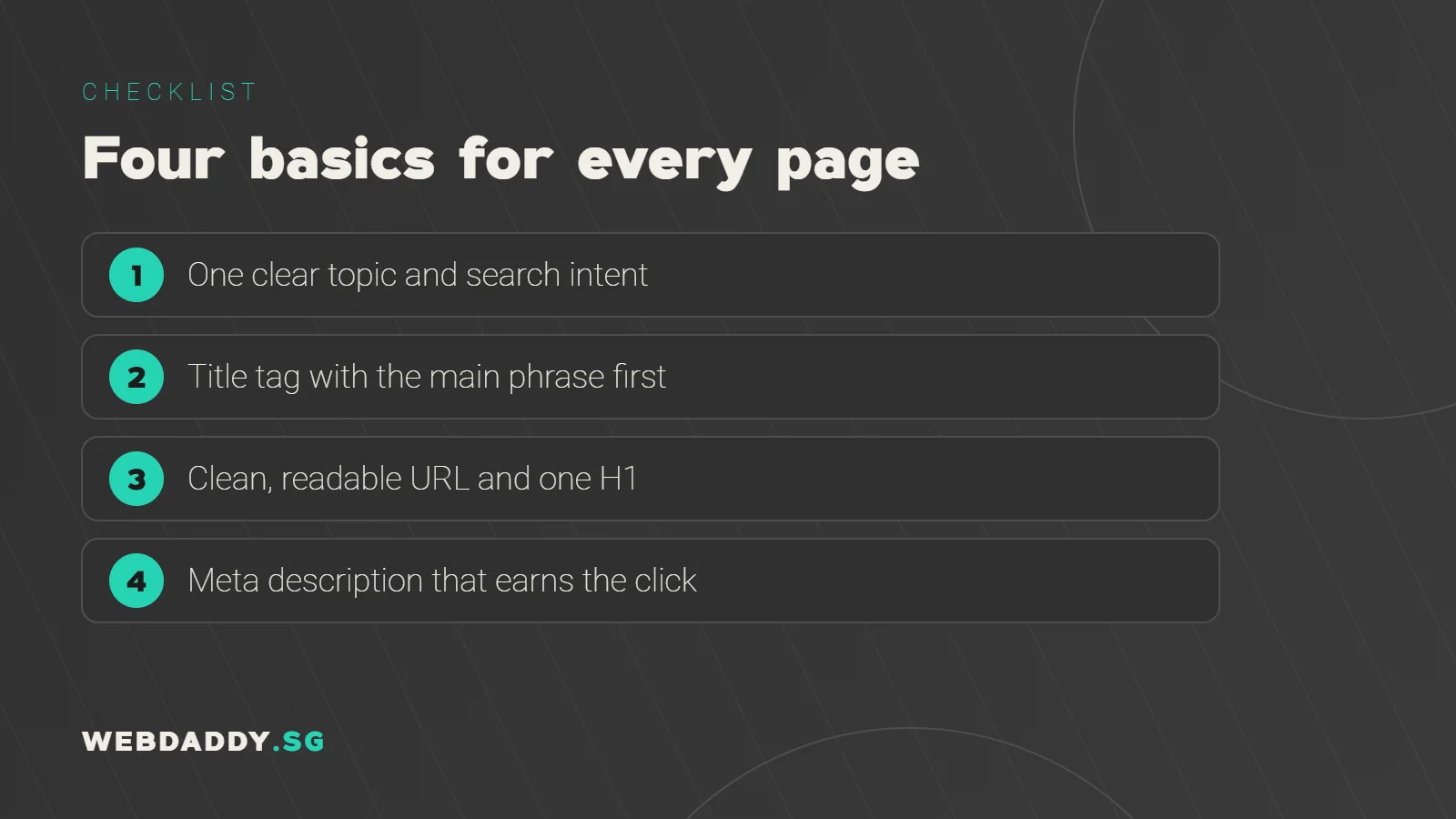
Give every page one primary topic and reflect it in the title tag, URL and H1 heading. Keep the title to roughly 50 to 60 characters so it is less likely to be cut off, put the important words first, and write it for humans rather than stuffing keywords. Keep URLs short, lowercase and readable, such as /seo-services-singapore/. Make sure the H1 matches the promise of the title without repeating it word for word. Avoid duplicate titles across pages, because they make it harder for search engines to tell which page deserves to rank.
3. Write meta descriptions that earn clicks
A meta description does not directly decide your ranking, but it influences whether a searcher clicks. Treat it as a short advertisement of around 150 to 160 characters. Mention the benefit, include the main phrase naturally, and end with a reason to click, such as a free quote or a clear guide. Google sometimes rewrites descriptions, but a well-written one still gives you the best chance of controlling your listing. Write a unique description for every important page, and make sure it accurately reflects the content so visitors do not bounce straight back.
4. Structure headings and content for scanning
Use one H1 and then H2 and H3 headings to organise the page in a logical outline. Each heading should describe what follows it, and together they should read like a table of contents. Break up long paragraphs, add short lists where they help and put the answer to the main question near the top. Readers in Singapore often browse on phones, so scannable structure is not a design luxury. Clear headings also help search engines identify the parts of your page that answer related questions.
5. Create content that shows real expertise
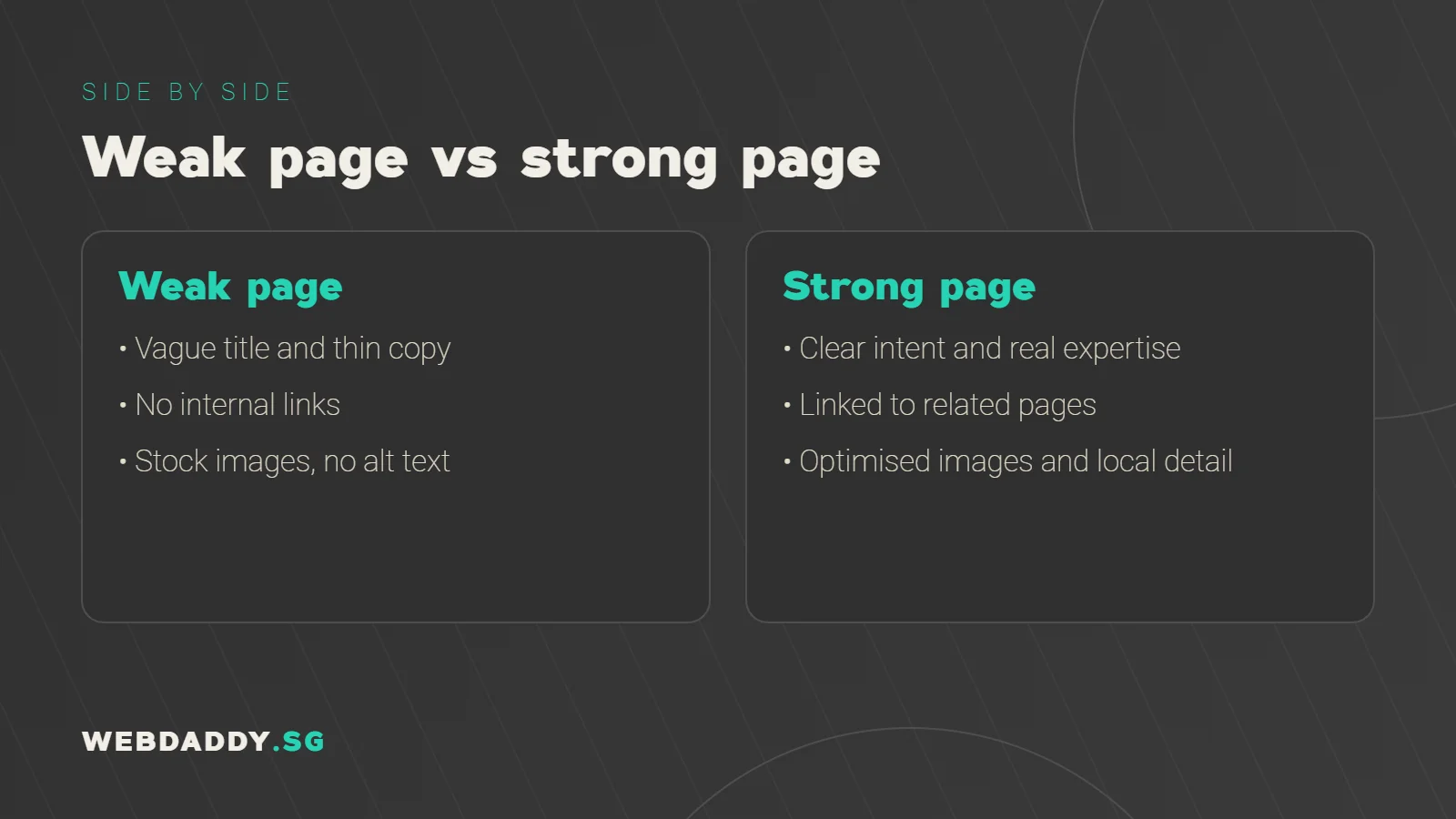
Google looks for pages that demonstrate experience, expertise, authoritativeness and trust. In plain terms, show that a real business with real knowledge wrote the page. Add specific examples, local detail, original photos, prices or ranges where possible and the name and role of the author or reviewer. Avoid thin pages that repeat what everyone else says. If you sell services, explain your process, show past work and answer the questions customers actually ask on calls. Depth, accuracy and honesty beat word count every time.
6. Build internal links that guide readers
Internal links connect your pages and tell search engines which ones matter most. Link from related blog posts to your service pages using descriptive anchor text, such as "website design services in Singapore", rather than "click here". Add links to helpful next steps at the end of each article, and make sure important pages are reachable within a few clicks from the homepage. Check for orphan pages that nothing links to. A thoughtful internal linking structure spreads authority across your site and keeps visitors moving toward an enquiry.
7. Optimise images, alt text and speed
Images should be resized, compressed and delivered in modern formats such as WebP, with descriptive file names and alt text that explains what the image shows. Add width and height so the layout does not jump. Heavy images are one of the most common reasons for slow pages, and slow pages frustrate visitors and weaken results. Test the page in Google PageSpeed Insights and fix the largest issues first. Even modest gains can make a noticeable difference on mobile data.
8. Add Singapore and local signals
If you serve Singapore customers, make it obvious. Mention the areas you serve, show your address and contact details, embed a map where appropriate and keep your business name, address and phone number consistent with your Google Business Profile. Use local examples, such as projects in particular districts, and reference Singapore regulations or schemes where they genuinely apply. Local reviews and photos also build trust. These signals help search engines connect your page with searchers nearby and reassure readers that you operate where you say you do.
9. Use structured data where it fits
Schema markup is code that describes your content to search engines, such as your organisation, services, articles, FAQs, products and reviews. It does not guarantee special results, but it can make your listings eligible for richer displays and helps clarify what a page is about. Use the types that genuinely match the page and keep the markup consistent with the visible content. Validate it with Google's testing tools before publishing, and avoid marking up information that users cannot see, because that can lead to penalties.
10. Check mobile usability and Core Web Vitals
Google evaluates pages on how they load, respond and stay stable. Aim for a Largest Contentful Paint of 2.5 seconds or less, an Interaction to Next Paint of 200 milliseconds or less and a Cumulative Layout Shift of 0.1 or less. On mobile, make sure text is readable, buttons are easy to tap and pop-ups do not cover the content. Test your pages on a real phone over mobile data, not just on office Wi-Fi, because that is how many Singapore visitors will experience them.
Your pre-publish checklist
Before publishing, confirm that the page matches search intent, has a unique title, a clean URL, one H1 and a compelling meta description. Check that the content is original, accurate and genuinely helpful, with examples and a clear call to action. Add internal links in and out, optimise images, include local details and validate structured data. Test speed and mobile usability, then submit the URL in Google Search Console. After a few weeks, review impressions, clicks and rankings and refresh the page if it is not performing as expected.
Let Webdaddy handle your on-page SEO
If you would rather focus on running your business, our team can audit your pages and fix what is holding them back. Webdaddy offers SEO services for Singapore businesses, supported by fast website design and ongoing website maintenance. Message us on WhatsApp at +65 8083 8785, email support@webdaddy.sg, or request a free SEO consultation and we will review your key pages with you.
Call +65 8083 8785Email support@webdaddy.sg
Frequently asked questions
How long does on-page SEO take to show results?
It varies by competition and your site's authority, but improvements to titles, content and internal links are often reflected in search data within a few weeks to a few months. Treat it as an ongoing process rather than a one-off task.
How many keywords should one page target?
Focus on one primary topic and a handful of closely related phrases. Trying to rank one page for many unrelated terms usually weakens it.
Do I need to update old pages?
Yes. Refreshing outdated information, improving titles and adding internal links to older pages can lift their performance without creating new content.
Can Webdaddy audit my existing pages?
Yes. We review your titles, content, links, speed and technical setup, and give you a prioritised plan you can act on.