
You can write brilliant content and still be invisible if search engines cannot crawl, understand or load your pages properly. Technical SEO is the plumbing behind your website: unglamorous, rarely noticed when it works, and very costly when it fails. This guide explains the essentials for Singapore businesses in plain language, so you know what to check, what to ask your developer and where to start.
Technical SEO does not replace great content. It removes the obstacles that stop great content from being found, loaded and trusted.
What technical SEO means
Technical SEO is the set of improvements that help search engines discover, crawl, render and index your website, while giving visitors a fast and stable experience. It covers site architecture, URL structure, sitemaps, robots rules, page speed, mobile usability, security, structured data and the handling of redirects and errors. Unlike content or link building, much of it is a one-off fix followed by regular monitoring. For small and medium businesses in Singapore, a few technical problems often explain why pages fail to rank, such as pages blocked from indexing, slow mobile loading or duplicate versions of the same URL.
How search engines find and index your pages
Search engines use automated programs called crawlers to follow links, fetch pages and store information in an index. Only indexed pages can appear in results. Crawlers discover your site through links and sitemaps, then decide how often to return based on signals like quality and freshness. Problems arise when important pages are blocked, hidden behind scripts, buried deep in the site or marked with instructions not to index. Understanding this simple pipeline of discovery, crawling, rendering and indexing helps you diagnose why a page is missing from Google and what to fix first.
Make your site easy to crawl
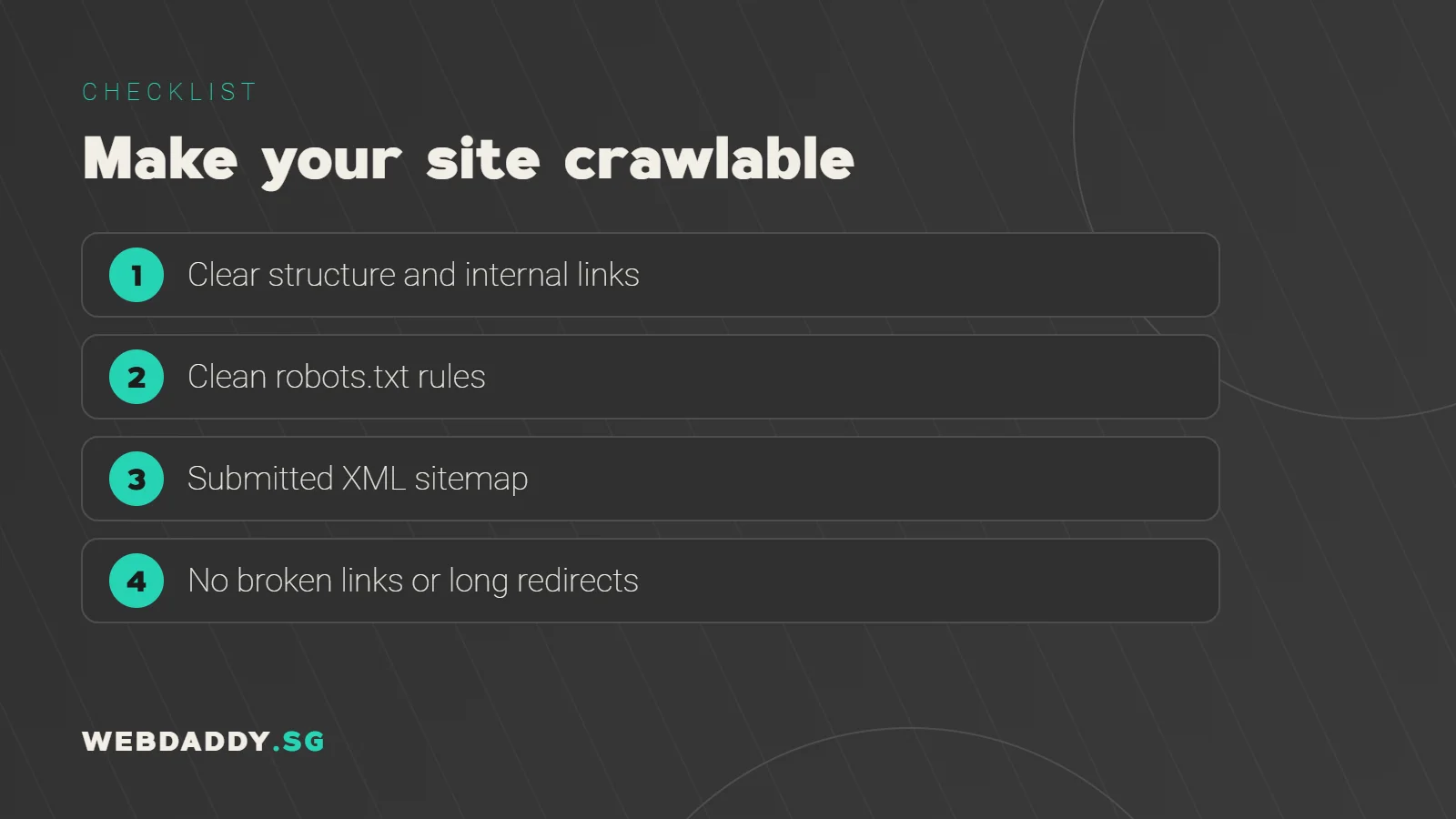
Start with a clear structure. Important pages should be reachable within a few clicks from the homepage, with logical categories and descriptive internal links. Use a robots.txt file carefully to keep crawlers away from low-value areas such as admin pages, but never block the pages and resources you want indexed. Fix broken links, avoid long redirect chains and keep your navigation in standard HTML links rather than scripts only. A tidy structure not only helps crawlers but also makes visitors more likely to find what they need, which supports conversions as well as rankings.
XML sitemaps and Google Search Console
An XML sitemap lists the URLs you want search engines to know about, along with optional details like last modified dates. Submit it in Google Search Console and keep it clean: include only canonical, indexable pages that return a normal status. Search Console is a free tool that shows which pages are indexed, which are excluded and why, along with performance data and technical warnings. Check the indexing report regularly, and use the URL inspection tool when you publish or fix an important page. Many technical issues reveal themselves there long before traffic drops.
Fix indexing problems and duplicate content
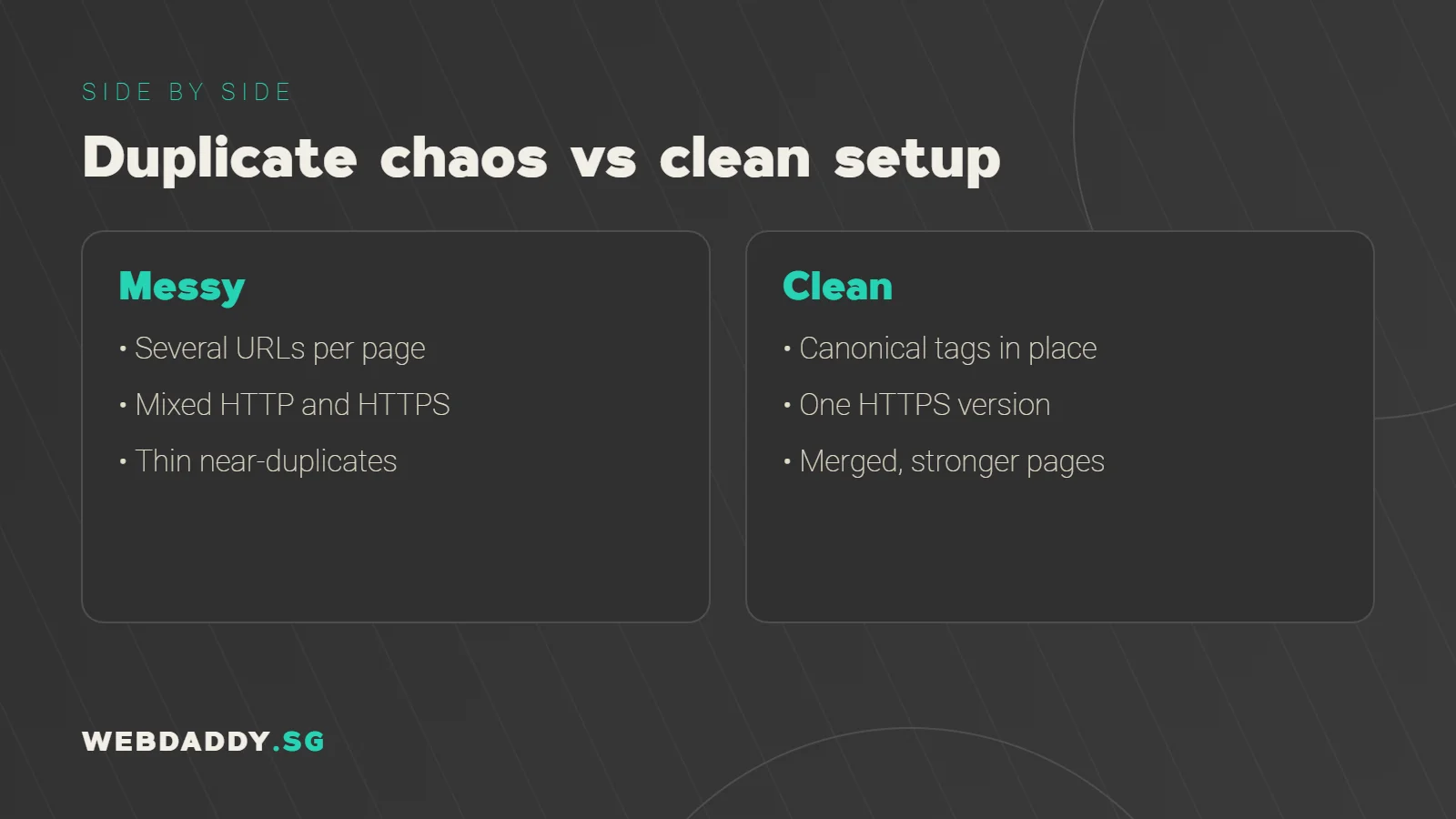
Common indexing issues include pages marked noindex by mistake, duplicate content across several URLs, and thin pages that add little value. Use canonical tags to tell search engines which version of a page is preferred, especially for filtered product pages, tracking parameters and printer-friendly versions. Make sure only one version of your site loads, such as the HTTPS version with or without www, and redirect all others to it. Merge or improve thin pages instead of publishing many near-duplicates. Cleaning up duplication concentrates your authority on fewer, stronger pages.
Page speed and Core Web Vitals
Speed is both a ranking consideration and a conversion factor. Google measures real-user experience with Core Web Vitals: Largest Contentful Paint for loading, Interaction to Next Paint for responsiveness and Cumulative Layout Shift for stability. Good thresholds are 2.5 seconds or less, 200 milliseconds or less and 0.1 or less respectively. Improve them by compressing images, reducing unused scripts and styles, choosing quality hosting close to Singapore, using caching and a content delivery network, and avoiding layout jumps. Test with PageSpeed Insights and the Core Web Vitals report in Search Console.
Mobile-first usability
Google primarily uses the mobile version of your pages for indexing and ranking, so the mobile experience is the main experience. Make sure the mobile page contains the same important content as the desktop one, that text is readable without zooming, and that buttons and links are easy to tap. Avoid intrusive pop-ups that cover content. Test key pages on real devices, including mid-range Android phones, and on mobile data as well as Wi-Fi. Many Singapore visitors will find you while commuting, so a smooth mobile journey is not optional.
HTTPS, security and trust
HTTPS encrypts data between your visitor and your server, and browsers warn users when a site is not secure. Install a valid certificate, redirect all HTTP URLs to HTTPS and fix mixed content, where secure pages load insecure images or scripts. Keep your CMS, themes and plugins updated, use strong admin credentials and enable regular backups. A hacked or flagged site damages both visitors' trust and search visibility. Security is also relevant to compliance, since forms that collect personal data should be handled responsibly in line with Singapore's Personal Data Protection Act.
Structured data and rich results
Structured data, often added with schema.org markup, helps search engines understand the entities on your pages: your business, services, products, articles, reviews and FAQs. Correct markup may make you eligible for enhanced listings, although display is never guaranteed. Use only types that match visible content, keep the information accurate and test with Google's Rich Results Test. For local businesses, consistent organisation and local business details support your wider local SEO efforts. Do not mark up content that is hidden from users, as that can violate guidelines.
Redirects, status codes and site migrations
Status codes tell crawlers what happened when a page was requested. A 200 means success, a 301 signals a permanent move, and a 404 means not found. When you delete or move pages, set up 301 redirects to the most relevant replacement so you keep ranking signals and avoid dead ends. Avoid redirecting everything to the homepage. Redesigns and platform changes are the riskiest moments, so make a full URL map, test on a staging site and monitor Search Console after launch. Many ranking disasters come from migrations done without a plan.
International and multilingual considerations
If you serve customers in several languages or countries, such as English, Chinese and Malay or regional audiences across Southeast Asia, use a clear structure for each version and link them together properly with hreflang annotations where appropriate. Avoid automatic redirects based on location that prevent crawlers or users from reaching all versions. Keep translations high quality rather than relying only on automated output. Make sure currencies, contact details and legal information are correct for each audience. Done well, multilingual pages can open valuable new markets.
Run a technical audit on a schedule
A technical audit combines crawling tools, Search Console, analytics and manual checks. Look for indexing errors, broken links, redirect chains, slow templates, missing titles, duplicate pages and mobile issues, then rank them by impact and effort. Fix critical issues first, such as blocked pages or site-wide speed problems. Repeat the audit quarterly and after major changes. Keeping a log of changes helps you connect improvements or drops in traffic to specific updates and prevents the same mistakes from returning.
A simple technical SEO checklist
Confirm that your key pages are indexable and in your sitemap, that Search Console shows no major errors, and that only one version of your domain loads. Check HTTPS, mobile usability and Core Web Vitals on important templates. Review redirects, canonicals and structured data. Test internal links and fix any broken ones. Finally, document responsibilities, so someone owns monitoring each month. These small habits keep your website healthy and give your content the best chance to perform.
Fix your technical SEO with Webdaddy
Technical issues are easy to miss and expensive to ignore. Webdaddy audits Singapore websites, fixes the problems that hold them back and builds sites that are technically sound from the start. Explore our SEO services, website design and website maintenance. Message us on WhatsApp at +65 8083 8785, email support@webdaddy.sg, or book a free technical SEO review and we will show you what is slowing your site down.
Call +65 8083 8785Email support@webdaddy.sg
Frequently asked questions
What is the difference between technical SEO and on-page SEO?
Technical SEO focuses on how search engines access, render and index your site and how fast it loads. On-page SEO focuses on the content and elements of individual pages. Both work together.
How often should I run a technical audit?
A quarterly audit is a good habit for most business sites, plus extra checks after redesigns, migrations or major plugin updates.
Can slow hosting hurt my rankings?
Slow servers can hurt user experience and Core Web Vitals, which affects performance. Choosing reliable hosting near your audience helps.
Can Webdaddy fix technical SEO issues on my current site?
Yes. We audit your site, prioritise fixes, implement them and monitor results through Search Console and analytics.